Use Cases of Data Collection Form Template
Healthcare Industry: Streamline Patient Intake
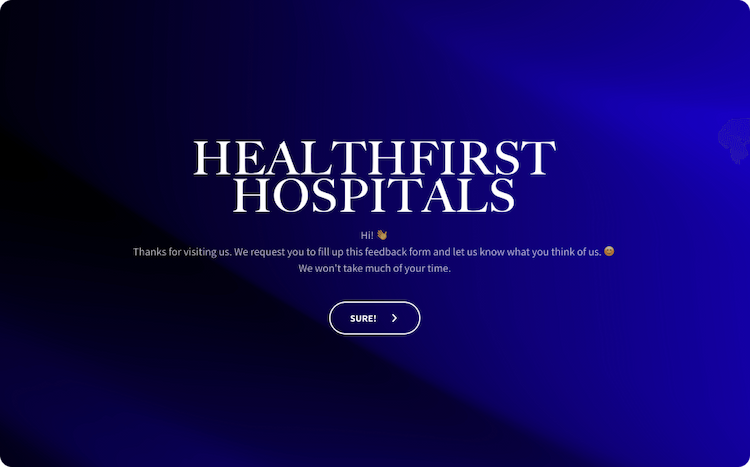
Efficiently collect patient information, medical history, and consent forms through our data collection form template. Simplify the patient intake process, ensuring accurate and organized information for better healthcare management. Use advanced features like HIPAA compliance and secure data storage to maintain confidentiality.
Retail Sector: Customer Feedback
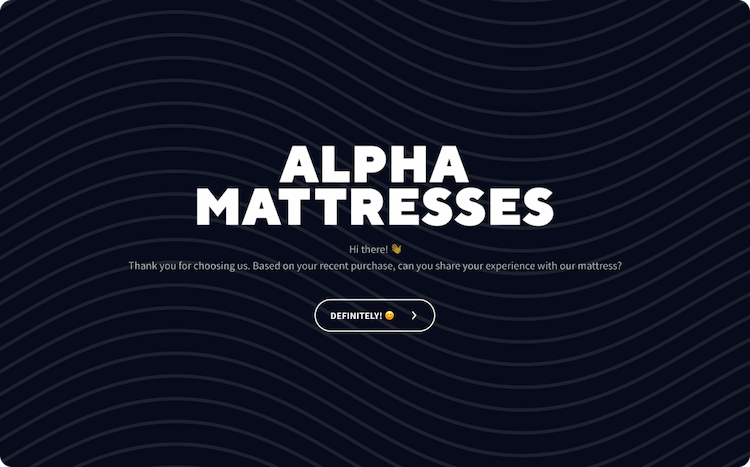
Collect feedback from customers using online data collection forms. Gain insights into customer satisfaction, product preferences, and overall experience to enhance your retail business’s performance and customer retention. Use features like Net Promoter Score (NPS) surveys and sentiment analysis to measure customer sentiment effectively.
Education Sector: Course Evaluation
Create course evaluation forms to gather feedback from students and instructors. Analyze responses to improve curriculum, teaching methodologies, and overall student satisfaction, enhancing the quality of education provided. Use features like rating scales, open-ended questions, and anonymous responses to encourage honest feedback.
Market Research: Consumer Surveys
Effortlessly conduct market research by designing forms to gather consumer insights. Understand consumer behavior, preferences, and trends to make informed business decisions and gain a competitive edge. Utilize features like skip logic, multiple question types, and data segmentation to obtain accurate and actionable market research insights.
Benefits of Data Collection Form Template
Flexibility in Style
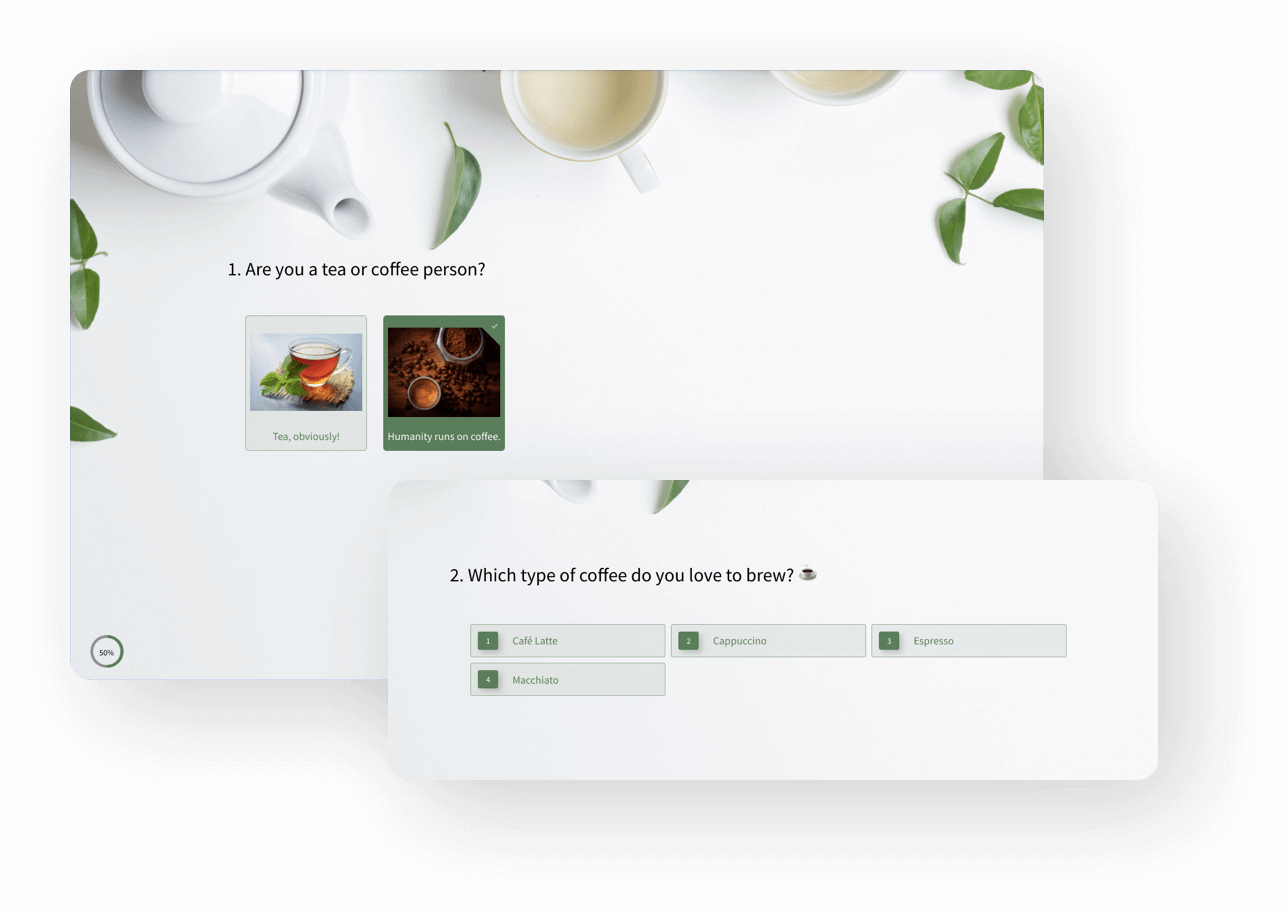
Offering both a single-page format and a conversational style provides versatility. The conversational form is user-friendly, presenting one question per screen, making the process less overwhelming and more engaging for the respondent. The single-page format is straightforward, allowing respondents to see all questions, which is efficient for shorter forms or when quick responses are needed.
Customization and Branding
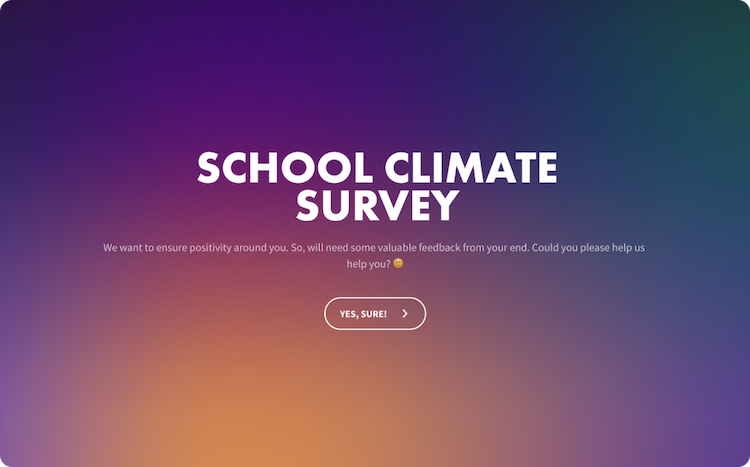
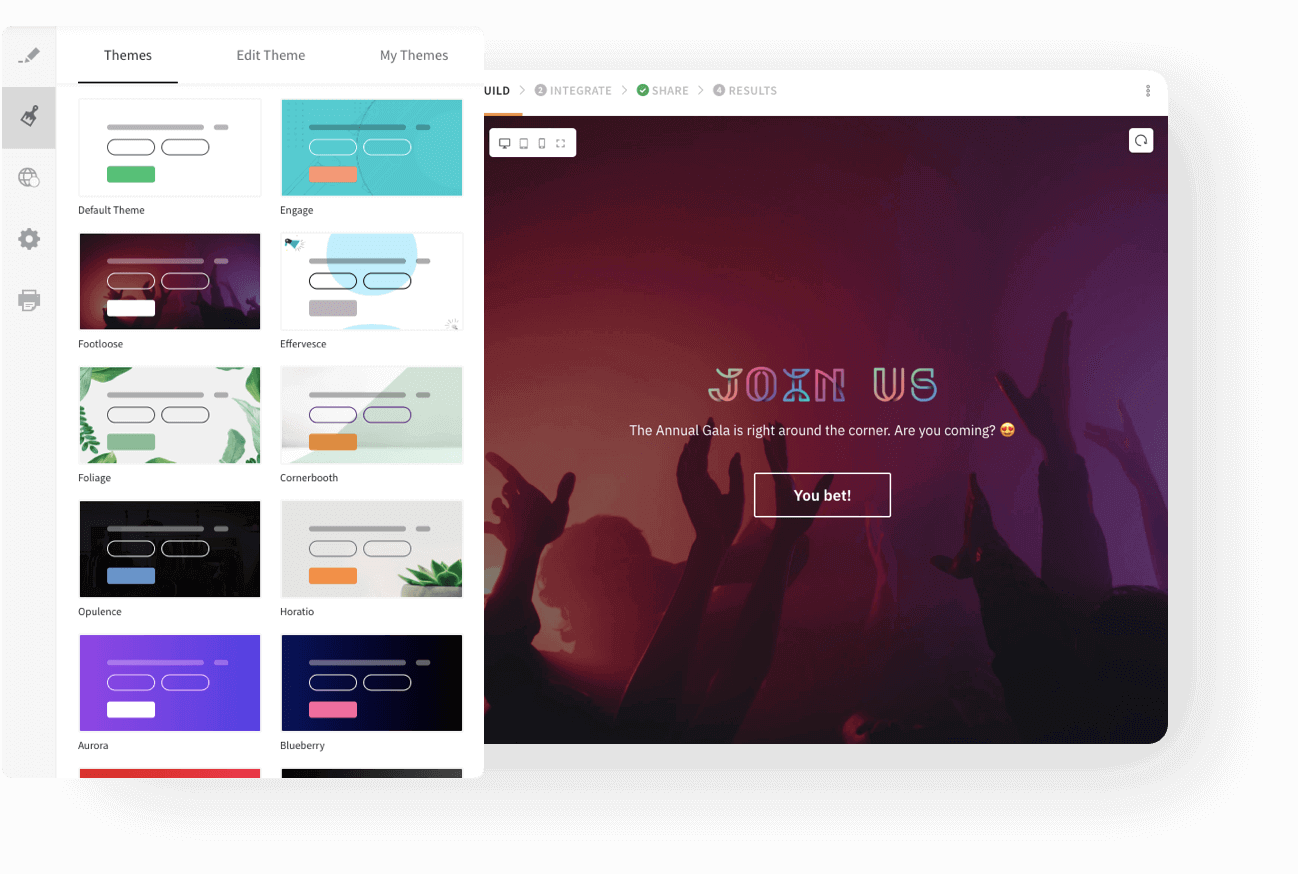
Customize the form using white labeling features to maintain brand consistency. Change the colors, fonts and add your logos, especially on the welcome screen, ensuring the form aligns with the company’s visual identity. This feature enhances brand recognition and trust among respondents.
Multiple Sharing Options
The template can be shared in multiple ways, including email, web links, SMS, social media, QR codes, and website embeds. This multi-channel approach allows for broader audience engagement, accommodating different user preferences and enhancing the chances of higher response rates.
Customer Demographics Insights
Easily understand customer demographics with an easy-to-read dashboard. Analyze data on customer behaviors, preferences, and trends. Use insights in tailoring marketing strategies, product development, and customer service initiatives to align with customer needs and expectations.
Third Party Integrations useful for Data Collection Form
Excel Online
This integration automatically syncs your form responses with Excel Online, allowing for efficient data organization and analysis. It’s ideal for users who prefer Excel for data handling, offering real-time updates and easy access to results for further processing and reporting.
Google Analytics
Integrating with Google Analytics enables you to track and analyze your form traffic. This is crucial for understanding respondent behaviors, measuring campaign effectiveness, and making data-driven decisions to improve future forms and surveys.
HubSpot
By connecting with HubSpot, you can capture new leads, map data, and integrate feedback into your marketing campaigns. This seamless interaction enhances customer relationship management and aligns insights with marketing strategies.
Mailchimp
This integration allows you to create or update Mailchimp subscribers directly from responses. It’s perfect for growing and managing your email lists, and tailoring your email marketing campaigns based on insights.
Power BI
Transform your data into actionable insights. This integration is key for those who need advanced data visualization and analytical capabilities, providing a comprehensive understanding of results.
Salesforce
Integrating with Salesforce allows for efficient lead collection and mapping of form fields to Salesforce fields. This is vital for businesses that use Salesforce for customer relationship management, ensuring that survey data directly contributes to CRM activities.
Zapier
Offers connectivity with over 1500+ apps, significantly expanding the possibilities for automating workflows and enhancing the functionality of your surveys. It’s ideal for creating custom workflows that suit your specific information collection and processing needs.
FAQs of Data Collection Form Template
What types of questions can I include in the form?
You can incorporate various question types, such as multiple-choice, open-ended, scales, and more, to suit your needs. SurveySparrow builder supports 15+ question types.
How secure is the data collected through the form?
The form adheres to high data security standards, ensuring all collected information is stored and managed securely. It is designed to be compliant with regulations like HIPAA (for healthcare data privacy), WCAG (for web accessibility standards), and CCPA (California Consumer Privacy Act) ensuring that it meets necessary legal and ethical standards for data collection and accessibility.
Is it possible to export the data collected from the form?
Yes, data can be exported in various formats like CSV or PDF or integrated directly into other software for further analysis.
How does the form ensure respondent anonymity and privacy?
The form can be configured to collect responses anonymously, and it adheres to privacy standards to protect respondent data.