Benefits of this marketing project request form template
Conversational User Interface
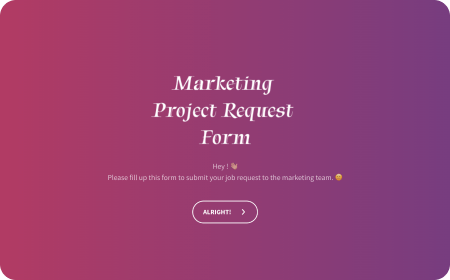
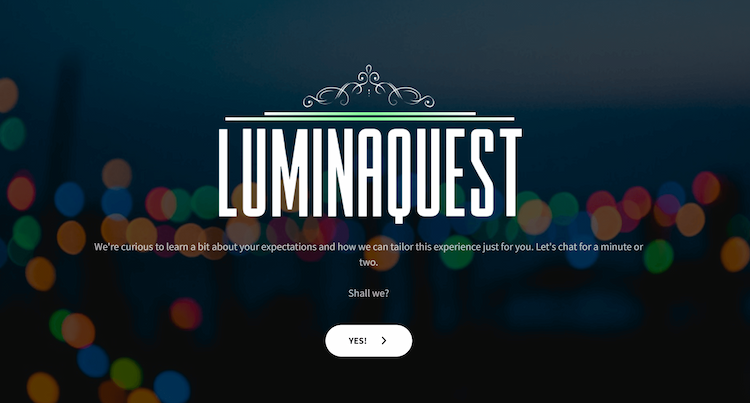
The form provides a more engaging experience through a conversational UI, making it feel like the client is having a dialogue with the agency. This not only enhances user satisfaction but also contributes positively to the agency’s brand image.
File Upload Feature
Clients can easily upload samples, reports, and other essential documents directly within the form, ensuring all relevant materials are attached to their request.
App Integration
The form can connect to over 1000 different applications via Zapier, allowing for the creation of tailored workflows. This means that the information from the form can be automatically sent to and used by a wide range of other software tools, improving efficiency.
Easy Webpage Embedding
Marketing agencies can add the form to their websites without any coding. They can choose from different styles of embedding, such as inline within a page or as a popup, by simply copying and pasting the provided shortcode from the builder.
Voice Transcription
For those who prefer speaking over typing, the form supports voice transcription. Clients can verbalize their requests, and you can listen to them in the dashboard, making it easier for everyone to communicate their needs effectively.
Template Suggestion: Digital Marketing Questionnaire Template
Steps to use this template
Step 1: Customization
Start by personalizing the form. With a form builder, you can easily modify questions, rearrange their order through drag-and-drop, and add or remove questions as needed. Implement skip or display logic to make the form smarter and more responsive to user inputs. Utilize the AI wing feature to refine and improve your questions or statements for clarity and impact. Customize the appearance of your form by aligning its colors and fonts with your brand’s identity for a cohesive look.
Step 2: Integration
Expand the form’s functionality by integrating it with various tools such as Zapier, Google Sheets, Mailchimp, and more. This step helps in automating workflows, enhancing data management, and expanding your form’s capabilities.
Step 3: Sharing
Use multichannel sharing options to distribute your form widely. You can share your form via a direct link, QR code, email, SMS, WhatsApp, and other channels, ensuring it reaches your intended audience through their preferred channels.
Step 4: Check Responses
Monitor and analyze the responses through the form’s dashboard. This feature allows you to visualize the data, helping you to understand the types of requests you’re receiving. Utilizing this insight, you can plan and adjust your business strategies accordingly, ensuring they’re aligned with client needs and market demands.
Here’s a detailed guide on how to create surveys and forms using SurveySparrow
Tips for using this Marketing Project Request Form Template
Make it Fun and Engaging
Spice up your form by incorporating GIFs and emojis. This adds a touch of humor and makes the form more interactive and enjoyable for people to fill out.
Visually Appealing Backgrounds
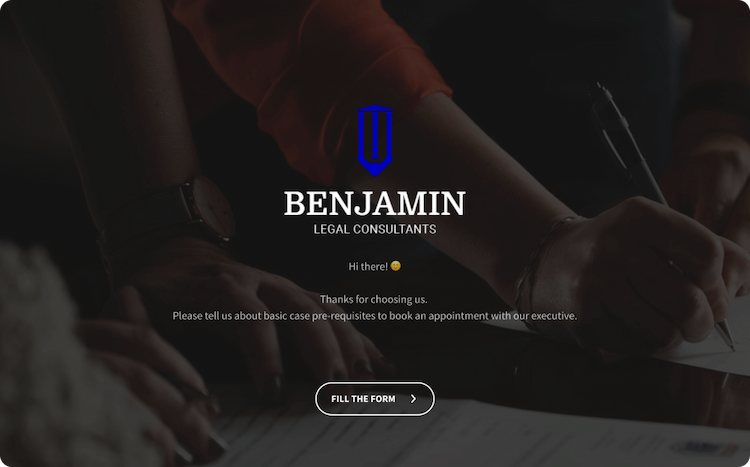
For the form’s background, utilize images from the Unsplash library. Unsplash offers a wide range of high-quality images that can make your form look more professional and visually appealing.
Warm Welcomes and Grateful Goodbyes
Start your form with a catchy welcome message that grabs attention. Similarly, conclude with a thoughtful thank you screen text. These touches make the form feel more personal and appreciative.
Keep it Simple and Conversational
Aim for a conversational tone in your form. This makes it feel like a friendly chat rather than a formal request. Additionally, try to use the form in a single page format. This approach makes the process quicker and reduces the chance of people abandoning the form before completing it.