How to Customize a Veterinary Employee Evaluation Form for Clients
Review Standard Evaluation Criteria
Start by revisiting the criteria you use for veterinary employee evaluations. SurveySparrow enables you to divide the form into sections for rating multiple criteria. For instance, you can create sections for Communication Skills, Technical Competence, Professionalism, and Client Satisfaction. You can also revise the criteria based on the department involved, like Anesthesia, Dentistry, Emergency Care, etc.
Modify Language for the Client’s Understanding
To ensure clarity, avoid medical jargon, and communicate in a language that’s easily understood by clients. SurveySparrow offers helpful features like AI Wings, which can generate questions in appropriate wording and tone, and the Random Question Generator for quick question generation.
Focus on the Client Experience
Unlike traditional employee review forms, this form prioritizes the client experience. So ask for feedback on aspects directly affecting clients – such as communication effectiveness, care quality, and facility cleanliness. Include client-specific questions to gather insights on overall clinic experience, like the veterinarian’s bedside manner or the helpfulness of reception staff.
Simplify the Evaluation Process
Make the evaluation process effortless for clients. Utilize sliding scales, checkboxes and other question types to enable faster completion. In addition, SurveySparrow offers features like question piping and survey logic to ensure a smooth flow, and personalize the survey experience.
Design and Branding Options
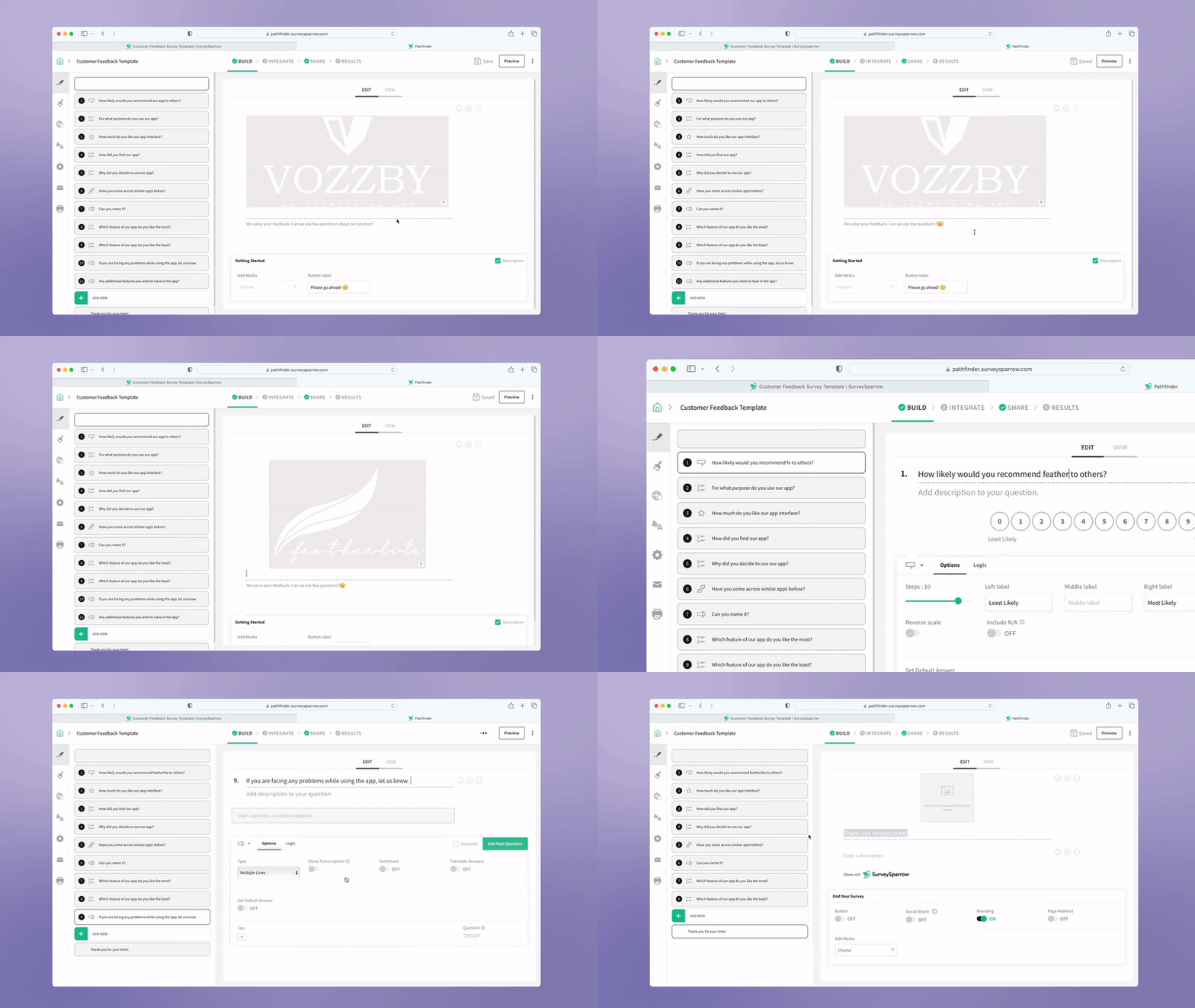
Customize the appearance of the form to align with your clinic’s branding and aesthetics. Incorporate clinic logos, colors, and fonts to create a cohesive and branded experience for clients. SurveySparrow offers CSS for more advanced customization. You can also use a video in your survey background as well.
Test and Iterate
Before sharing, test the new evaluation form with a sample group of clients. Measure its usability and effectiveness in capturing the needed insights. Based on the results, refine the survey to ensure that the form meets the clinic’s objectives effectively.
Benefits
Measure Client Happiness
Enhance your template by integrating Customer Net Promoter Score (NPS) questions. With this, you gain deeper insights into your clients’ overall satisfaction and loyalty towards your clinic. These questions provide a quantitative measure of customer sentiment, allowing you to judge how likely clients are to recommend your clinic to others.
Sentiment Analysis
The sentiment analysis feature in this template helps you figure out how your clients are feeling. It sorts responses based on whether they’re positive, negative, or neutral. This way, you get a better idea of how satisfied your clients are overall. It’s like getting a bird’s eye view of what’s working well and what needs improvement in your business.
Sort Your Data
Use the advanced report filter available with this template that lets you compare and contrast all your responses. Sort your data based on the respondent details, time-period, questions, answers and many more. What ‘s more interesting is that you can save this view for future use.
Inclusive Survey Access
This offline survey capability ensures that clients can provide feedback even without an internet connection. Whether they’re in the waiting room or at home, clients can still share their thoughts and experiences. Additionally, offline surveys eliminate the risk of data loss due to connectivity issues.
Automated Feedback Collection
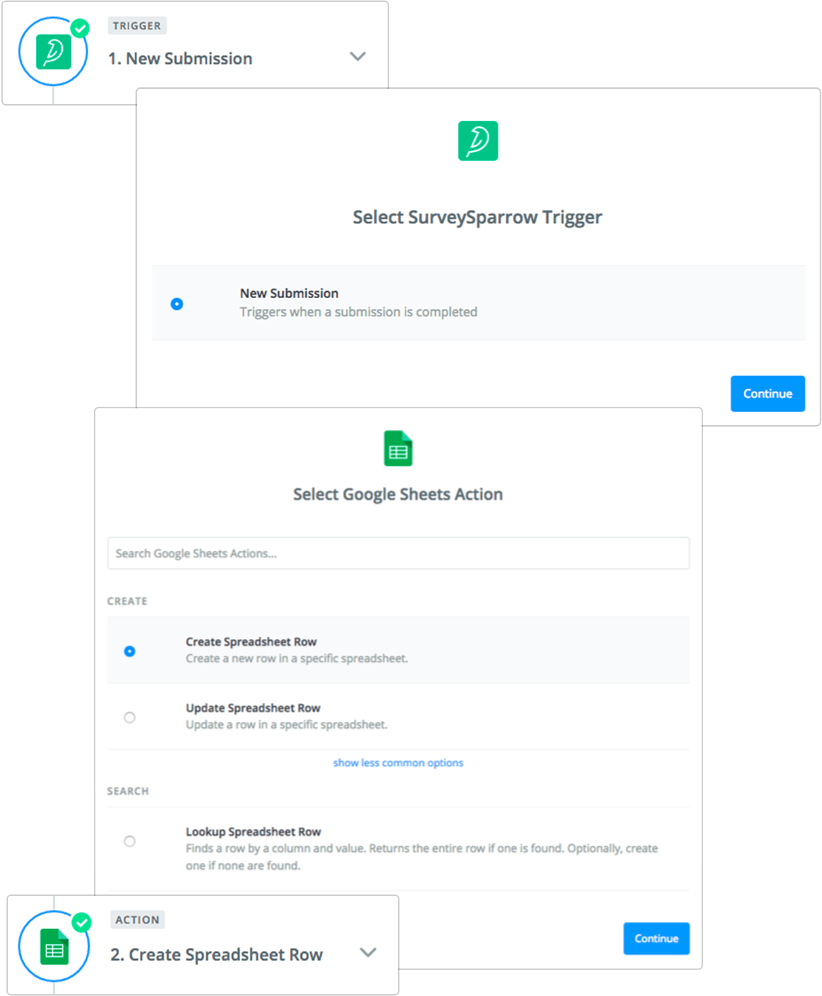
The template can be configured with survey triggers. This lets clinics share surveys to clients based on predefined events – such as after a veterinary appointment or after completion of a treatment. By automatically triggering surveys at strategic touchpoints, clinics can gather timely feedback while clients’ experiences are still fresh in their minds.
FAQs
How can I conduct a fair and effective evaluation?
Use a standardized evaluation form. Encourage the client to provide specific examples to support their feedback, both positive and negative.
What if an employee disagrees with their evaluation?
Be prepared to discuss their concerns and explain your reasoning. The goal should be to find a path for improvement, not assign blame.
How can I use evaluations to motivate employees?
Focus on highlighting strengths and setting achievable goals for improvement. Evaluations are a great opportunity to discuss professional development opportunities.
What should I do if an employee’s performance is consistently poor?
Document any performance issues and discuss them with the employee. Create a plan for improvement and outline the consequences if performance doesn’t improve.