How to Provide the Best Possible Tournament Experience with SurveySparrow
Pre-Tournament
Registration:
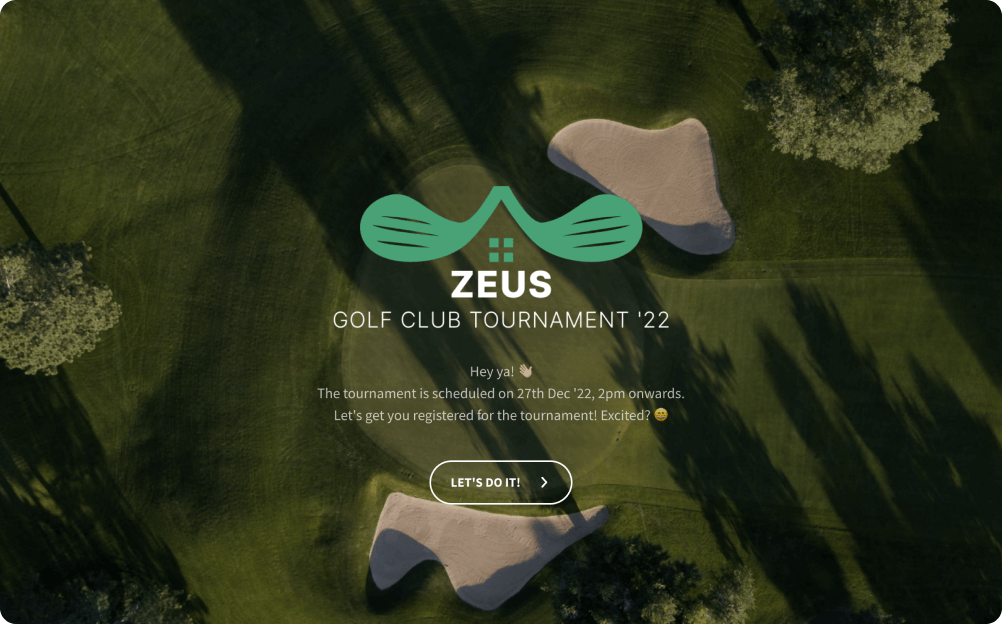
- Design registration forms tailored to your golf tournament’s specific requirements with our form builder.
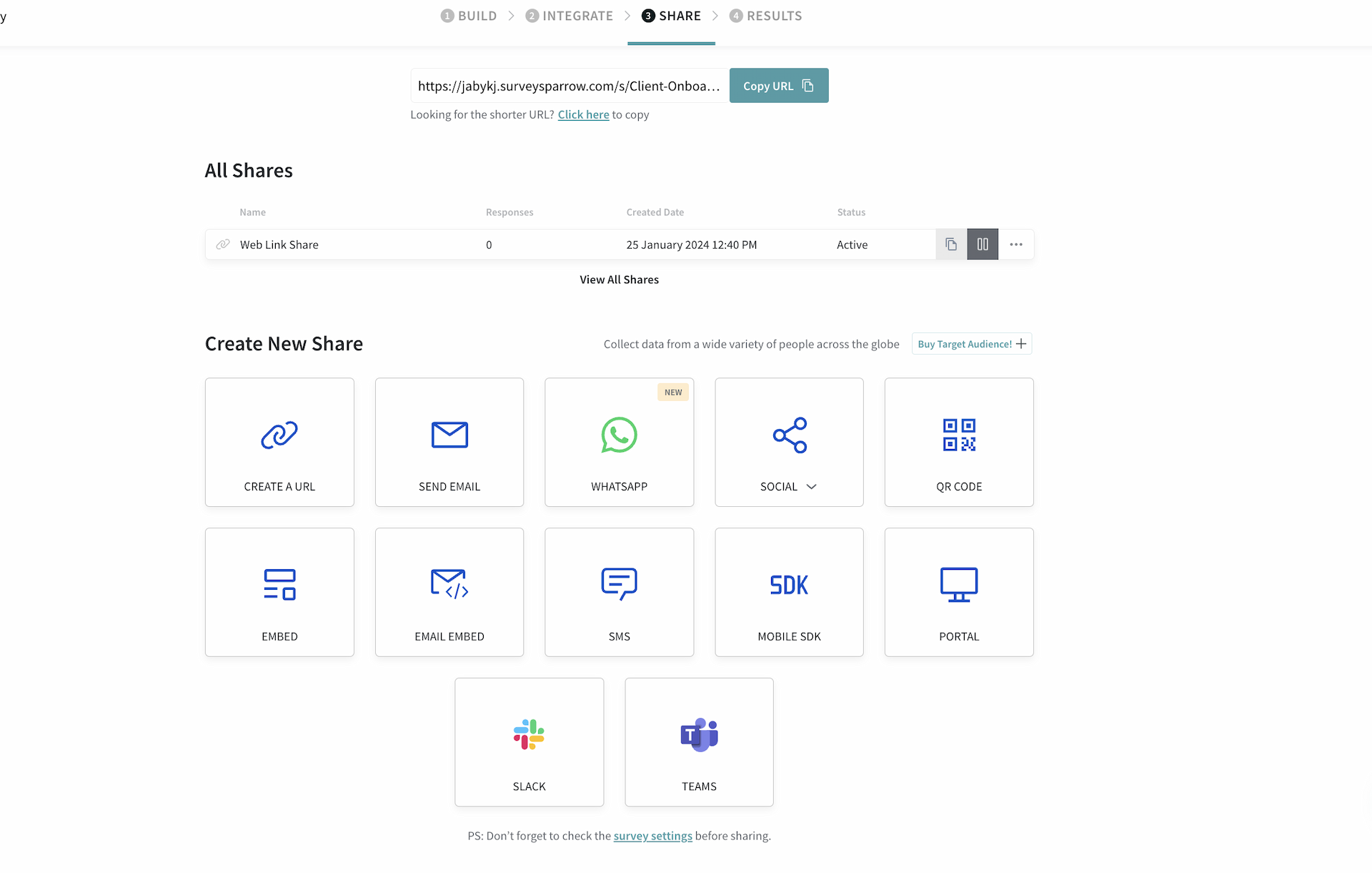
- Ensure a user-friendly experience with surveySparrow’s mobile responsive forms, and survey shares through SMS, QR codes, email and more.
- Gather essential details during registration, including participant names, contact information, and preferences.
Communication:
- Integrate your SurveySparrow form with MailChimp to send automated confirmation emails to registered participants. These emails should provide details like the event date, time, and venue.
- Pull the contact details from our Contacts section to keep participants, volunteers, and sponsors updated about schedules and teams.
Suggested Read: 20+ Pre-Event Survey Questions to Crush Your Next Event
Tournament Day
Registration and Check-In:
- Set up a smooth registration process with check-in surveys and offline kiosks.
Real-Time Engagement:
- Engage participants during the tournament with live surveys and polls, capturing real-time feedback on various aspects.
- Use interactive features like GIFs and emojis in your surveys to enhance participant involvement.
Post-Tournament
- Collect valuable insights post-event through customized surveys, targeting specific aspects like event organization, logistics, and participant experiences.
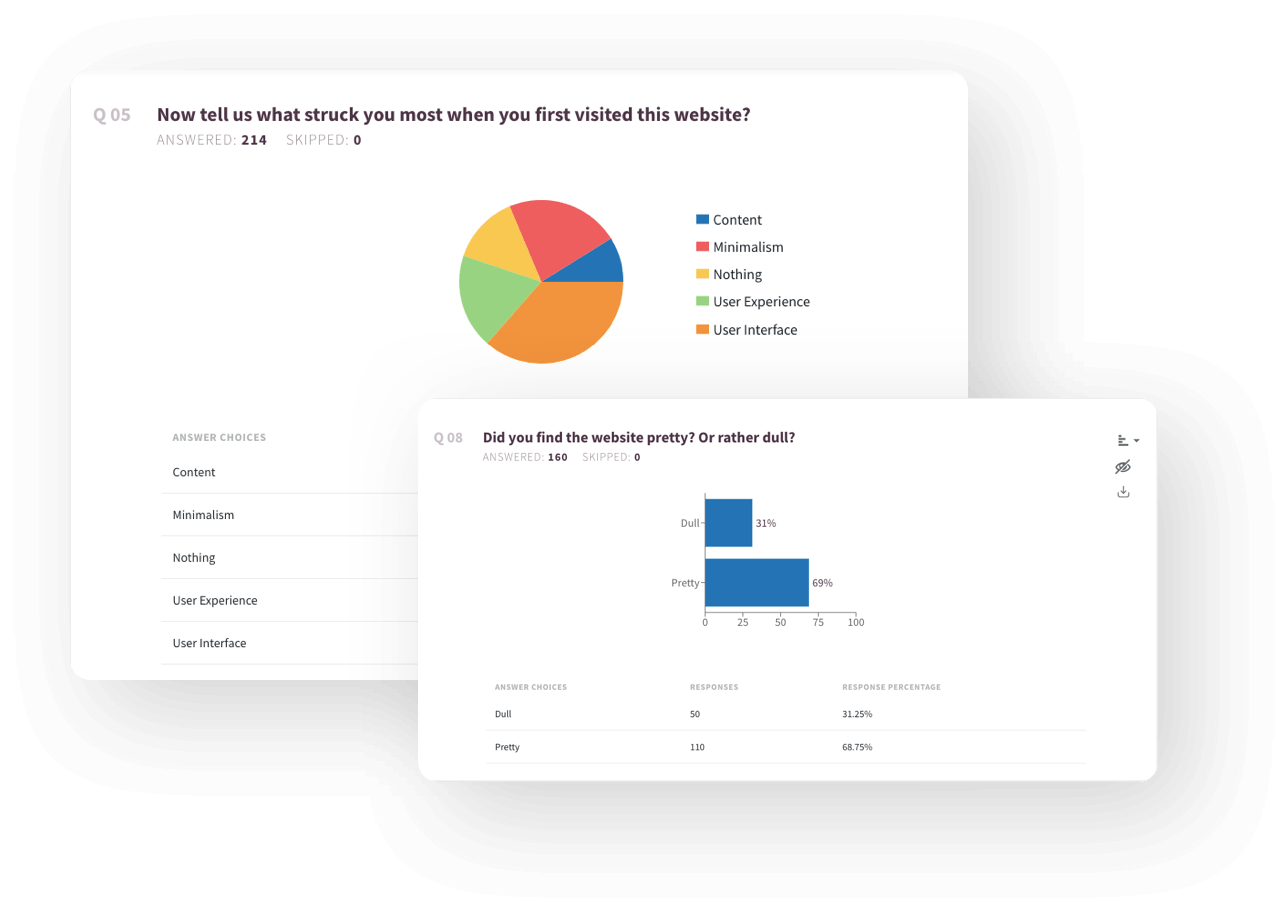
- Leverage dashboard features to interpret collected data, identifying strengths and areas for improvement.
- Event Satisfaction Surveys: Implement the event satisfaction survey template to assess participant satisfaction comprehensively. Collect feedback on various elements, such as the golf course quality, amenities, staff interactions, and overall event experience.
Suggested Read: 30+ Best Post-Event Survey Questions to Ask for Feedback
Why is This Form Useful for Organizers?
Customizable Branding
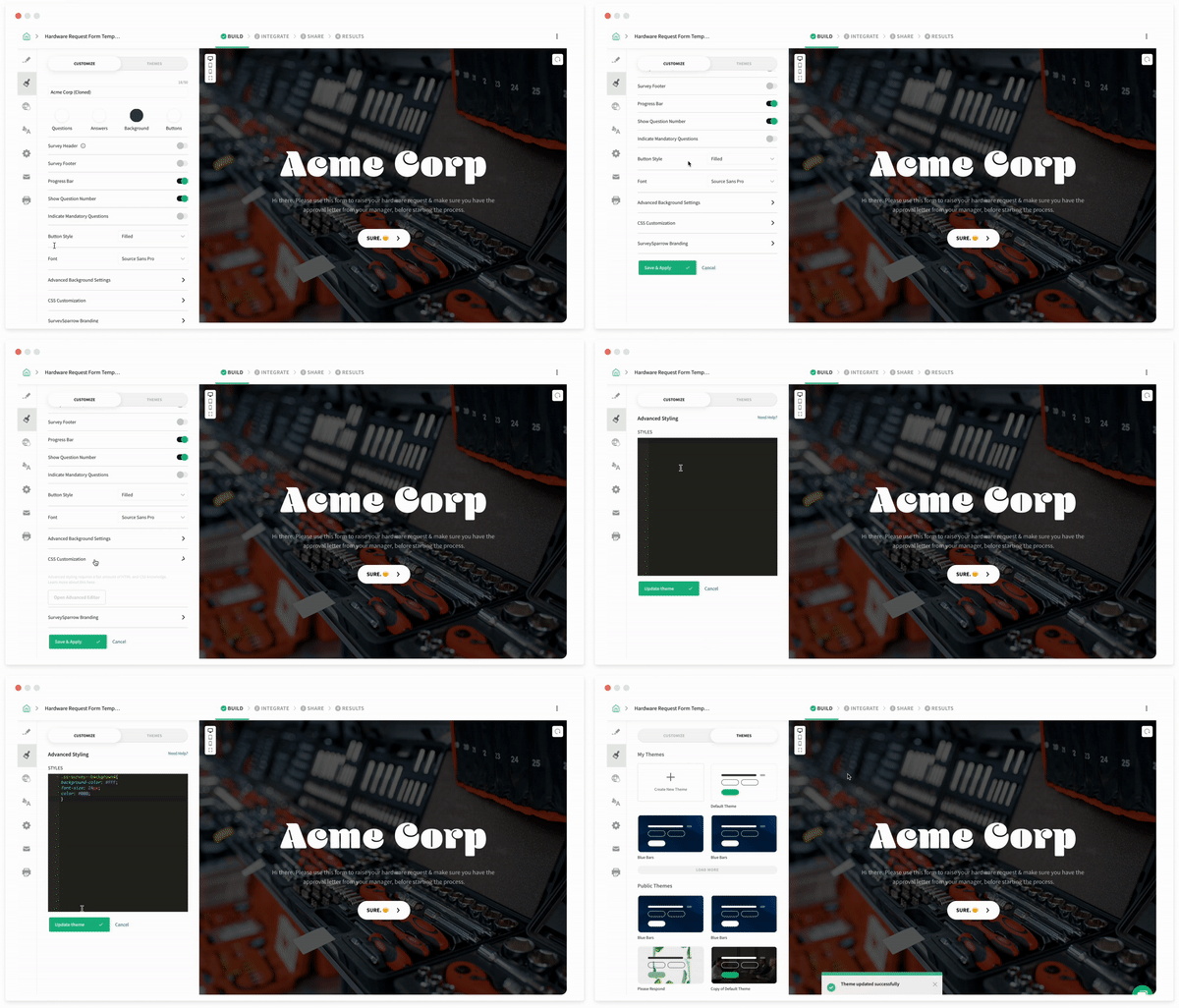
With SurveySparrow, organizers can brand their registration forms to reflect the identity of their golf event. From adding logos and branding colors, to customizing fonts and backgrounds, this level of customization helps create a cohesive and professional registration experience that aligns with the event’s branding.
Personalized Forms
Personalize your registration form to a T! Make the form more complex by adding variables and expressions. Use the piping feature to insert the text of previous answers into the current question. This makes it feel like a real-time conversation, thus making it easy and comfortable for your registrants to answer the questions.
Payments on the Go
Why wait for the payments later? Instead, complete the entire registration process including the payment in one go. This template is integrated with Stripe. All the transactions made using this template are safe over secured SSL connection. Besides, all the transactions are handled by Stripe directly.
Embedded Forms
Make your registration form more accessible to your registrants by embedding it on your website or sending it directly over email. After designing the form, generate the embed code. Embedding the generated code is as easy as copying and pasting. And, you’re done! In order to embed the entire form, enable inline embed before generating the code.
Real-time Insights
Organizers can get real-time insights through SurveySparrow’s reporting feature. This enables them to track registration numbers, demographics, and participant preferences instantly. As a result, they can make data-driven decisions and changes to enhance the event experience.
Enhanced Participant Engagement
SurveySparrow offers various engagement features such as personalized email invitations, automated reminders, and interactive surveys. With these features, organizers can communicate with participants effectively, build excitement for the event, and gather valuable feedback to improve future tournaments.
FAQs
What are some common mistakes to avoid when designing a golf tournament registration form?
Pitfalls include overcomplicating the form, lack of mobile optimization, missing important details like event information, and inadequate data management. By sidestepping these errors, you’ll create a user-friendly form that enhances the registration experience for everyone involved.
What are some tips for collecting payment information on a golf tournament registration form?
Integrate payment processing tools like Stripe directly into the form. Provide clear payment instructions, including accepted payment options and any additional fees. Ensure that secure data management processes are in place to protect participants’ personal and financial information.
Is there a way to export registration data for further analysis?
You can sync your survey responses with Google Sheets or Excel for further analysis. You can also schedule SurveySparrow reports to be sent as a copy to you every week via email.