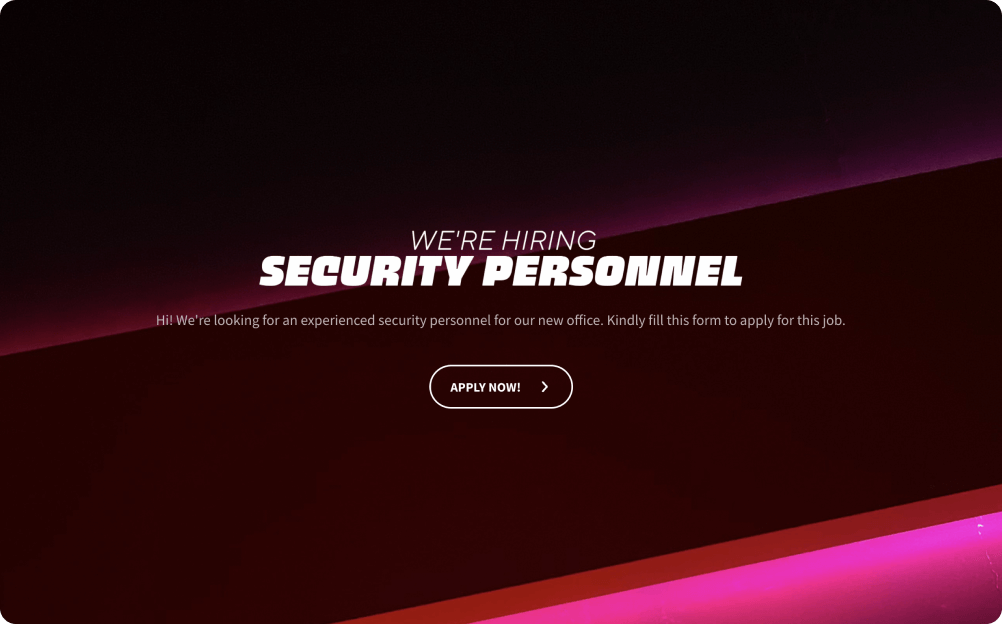
Use Cases of Security Guard Job Application Form Template
Hospitality Sector
In the hospitality industry, the template simplifies the hiring process for hotels and resorts. It efficiently collects applicant information, assesses qualifications, and ensures the selection of top-tier security personnel. This enhances guest safety and overall satisfaction, making it a valuable tool for maintaining a secure and welcoming environment.
Retail Industry
The retail sector benefits from this template by streamlining the recruitment of security guards. It enables the quick collection of applicant data, evaluation of qualifications, and the assurance of a safe shopping environment for customers. Preventing theft and ensuring a secure shopping experience is paramount, and this template helps achieve those goals efficiently.
Corporate Offices
Corporate offices can enhance their security protocols by utilizing this form. It simplifies the process of collecting essential applicant details, such as qualifications and certifications. This ensures the hiring of competent security personnel who contribute to a safe and secure workplace environment.
Event Management
Event managers can ensure the safety of attendees by using this template to recruit security guards for concerts, sports events, and festivals. It efficiently gathers applicant information and verifies credentials, enabling event organizers to provide a secure and enjoyable experience for participants.
Benefits of this security guard job application form template
Engaging Conversational Experience
The interactive UI provides a conversational form-filling process that engages job applicants. Utilize emojis, GIFs, and interactive messages to create an enjoyable and user-friendly experience, encouraging more applicants to complete the form.
Brand-Friendly and White Labeling
Customize the form’s appearance to match your organization’s brand guidelines. Adjust colors, fonts, button styles, and form backgrounds to create an authentic and trustworthy image. With custom domains and white-labeling, the form seamlessly integrates with your brand identity. Additionally, access a library of free images from Unsplash to enhance visual appeal.
Multiple Sharing Options
Share the job application form through various channels, including WhatsApp, SMS, unique links, QR codes, and webpage embedding. Whether inline or as a popup using shortcodes, applicants can access the form conveniently. Embed it on your career page to simplify the application process for potential hires.
File Upload and Signature Collection
Use the file upload question type to streamline resume and document submission by applicants. Additionally, collect digital signatures and consent using specific question types. This enhances the efficiency of application processing and record-keeping.
Structured Sections
Customize the form by adding sections, allowing you to organize applicant information efficiently. Gather specific details and qualifications relevant to security guard roles, making the evaluation process more systematic.
Two User-Friendly Formats
Surveysparrow accommodates user preferences with two formats:
Conversational Format: Display one question at a time on a single screen for a seamless flow.
Single Page Form: Alternatively, present the entire form on a single page for applicants who prefer a comprehensive view.
How to use this security guard job application form template
Step 1: Customize
Personalize the form to match your organization’s branding by adjusting colors, fonts, and backgrounds. Use white-labeling to ensure a professional and consistent appearance in line with your brand guidelines. Create an informative welcome page for the form. Set the tone, explain the purpose, and provide any necessary instructions to streamline the application process. Customize the thank you page to express appreciation and provide information about what they can expect next.
Step 2: Integrate
Seamlessly integrate your job application form with Google Sheets. This integration automatically collects and updates responses in a Google Sheets document, simplifying data management and organization. Alternatively, you can integrate your form with Excel Online for data storage and analysis. This option provides flexibility in managing applicant information.
Step 3: Share
Make it easy for applicants to access your form through various channels. Utilize options like a unique link, SMS, email, or webpage embed to suit their preferences.
Step 4: Analyze and Export Results:
Effortlessly export the collected applicant data to CSV files for further analysis, reporting, or sharing with your HR team or hiring managers. Use dashboard features to gain insights from your applicant data. Use filters and widgets to customize the view, analyze trends, and track key performance indicators related to your hiring process. Use ticket management feature to conduct the selection process.