Information Security Risk Assessment Questionnaire: 13 Best Practices
Design:
- Customize the form: Consider the specific industry, size, and security posture of the organization you’re assessing.
- Focus on clarity: Use clear, concise language that the target audience can understand.
- Balance comprehensiveness and length: Aim for a balance between gathering enough information and keeping the questionnaire from becoming too long.
- Prioritize risk: Weight the questions based on potential impact. More severe risks should have more detailed questions.
- Test the form: Before deploying the form, run a pilot test with a small group.
Sharing:
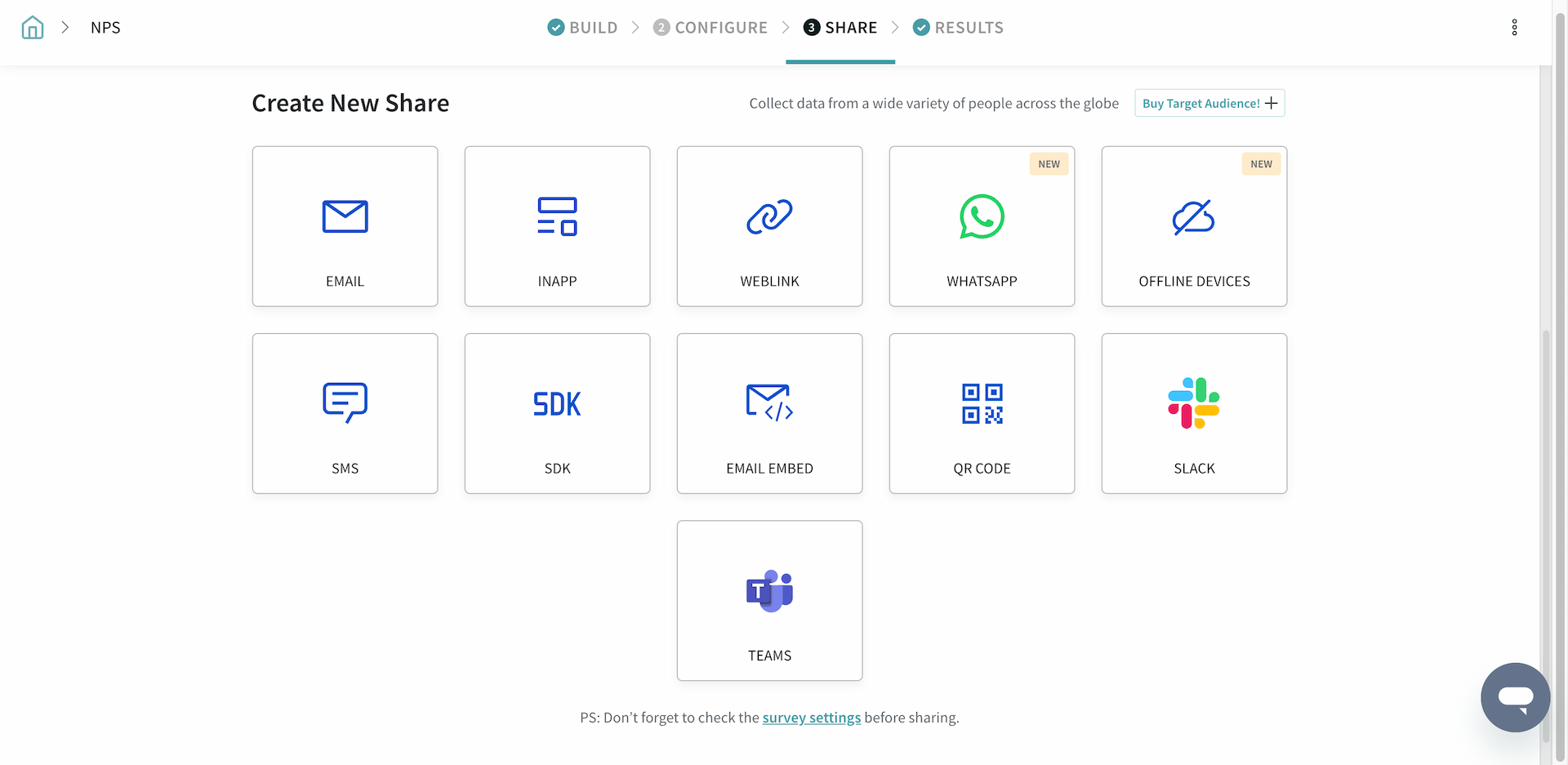
- Define the Audience: Decide who will fill the questionnaire (IT staff, managers, etc.) and tailor the instructions accordingly.
- Provide context: Explain the purpose of the questionaire and how the data will be used. Provide clear instructions on how to complete it.
- Set deadlines: Establish a reasonable timeframe for completing the questionnaire.
- Offer support: Provide a point of contact for respondents who may have questions while completing the form.
- Maintain confidentiality: Ensure respondents that their individual answers will be kept confidential and only used for the risk assessment process.
Additional Tips:
- Use a tiered approach: Start with a general overview. Then use a more detailed follow-up for areas identified as high risk.
- Offer incentives for participation: This can encourage a higher completion rate, especially for internal assessments.
- Review and update regularly: The cyber threat landscape is constantly evolving. Regularly review and update your form to reflect the latest threats.
How is this form useful for IT and Security teams?
Collaborative Process
Security is a team effort. With the Folder feature, you can organize your security questionnaires into custom folders. Also, you can invite specific users or teams to access a particular folder. This helps team members collaborate during the security review process.
Personalized Surveys
Use the skip/display logic feature to create questionnaires that adapt to the respondent’s answers. For instance, if a respondent states that their company uses multi-factor authentication, you can skip questions about basic password strength. This keeps the questionnaire relevant, and efficient.
Comprehensive Data
A good Information Security Risk Assessment Questionnaire will use a variety of question types. These include multiple choice, yes/no, open ended, dropdown and even ranking questions. This not only gathers rich data, but it also helps to assess the severity of perceived risks.
Data Accuracy
Ensure that the data you collect is accurate and usable. Select the ‘Required’ option in the form builder for essential questions, and switch on the ‘Validation’ option for open-ended questions to ensure exact answers. You can set limitations on the length of text responses as well.
Insights at a Glance
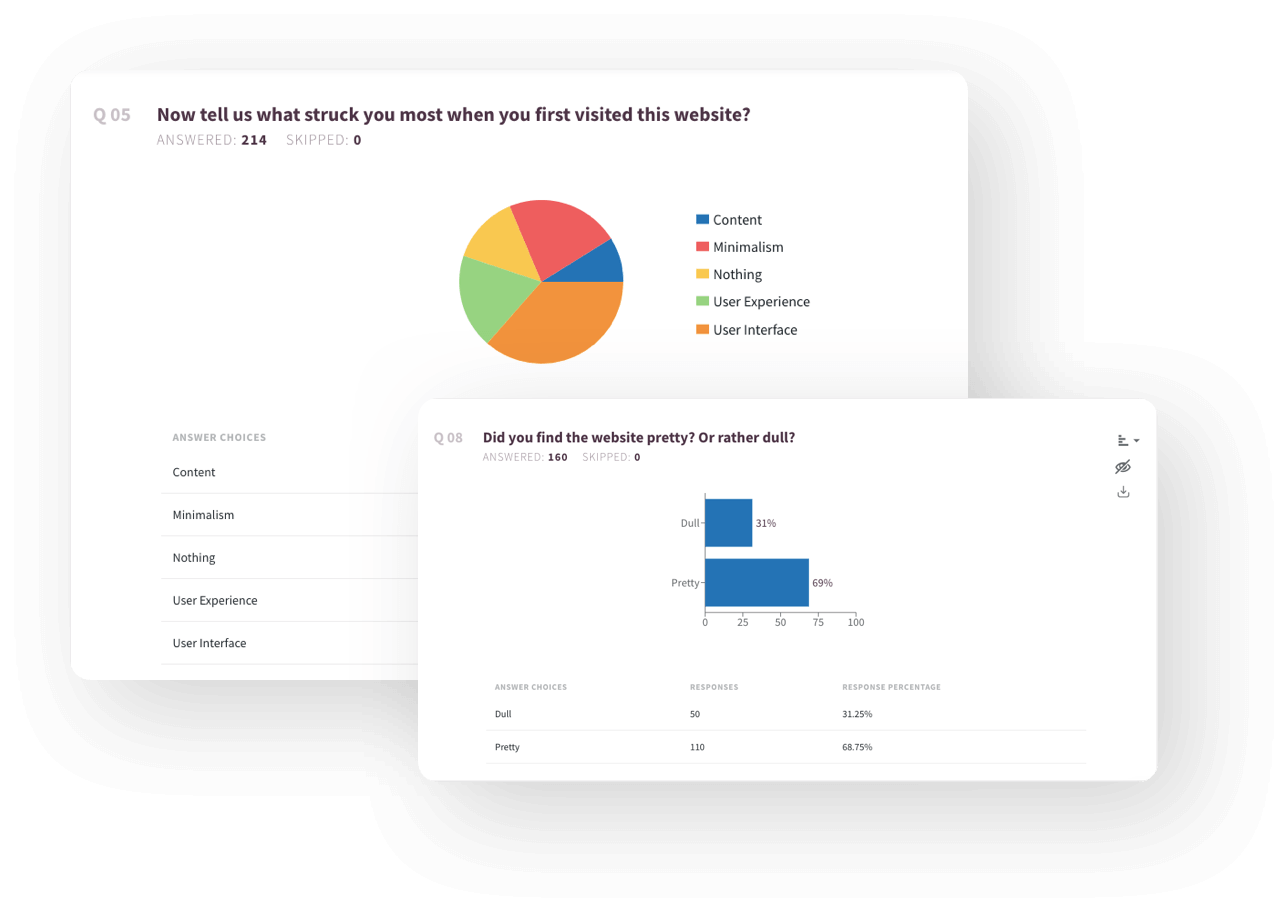
Get real-time reports that neatly summarize the survey data. Quickly identify security trends and areas of risk. Visualize your data with dashboards and customizable widgets – this makes it easy to understand and digest key information at a glance.
User Management
Ensure that only authorized users can create, edit, or view sensitive questionnaires and data. Create and manage multiple sub-accounts under a parent account, and restrict account access to only an approved range of IP networks. Moreover, you can track all changes made to the questionnaire with the ‘Audit’ feature, providing a clear trail of who accessed or modified the data.
FAQs
How much time will it take to complete the Information Security Risk Assessment Questionnaire?
The questionnaire should take approximately 10-20 minutes to complete, depending on the complexity of your organization’s security posture and risks.
What is the best way to ensure the confidentiality of the collected data?
Establish it from the outset. Anonymize the survey, put appropriate user permissions in place, and start the survey with this statement: “We understand the importance of confidentiality. All data collected in the form will be anonymous and used solely for risk assessment purposes.”
Are there industry benchmarks to compare our findings with similar organizations?
The questionnaire report can help you understand your company’s risk status compared to the general security threats in your industry. To find more specific benchmarks, it may be helpful to consult industry reports, financial analyses, or regulatory bodies in your sector.